
 50% off ” No coupon Required ”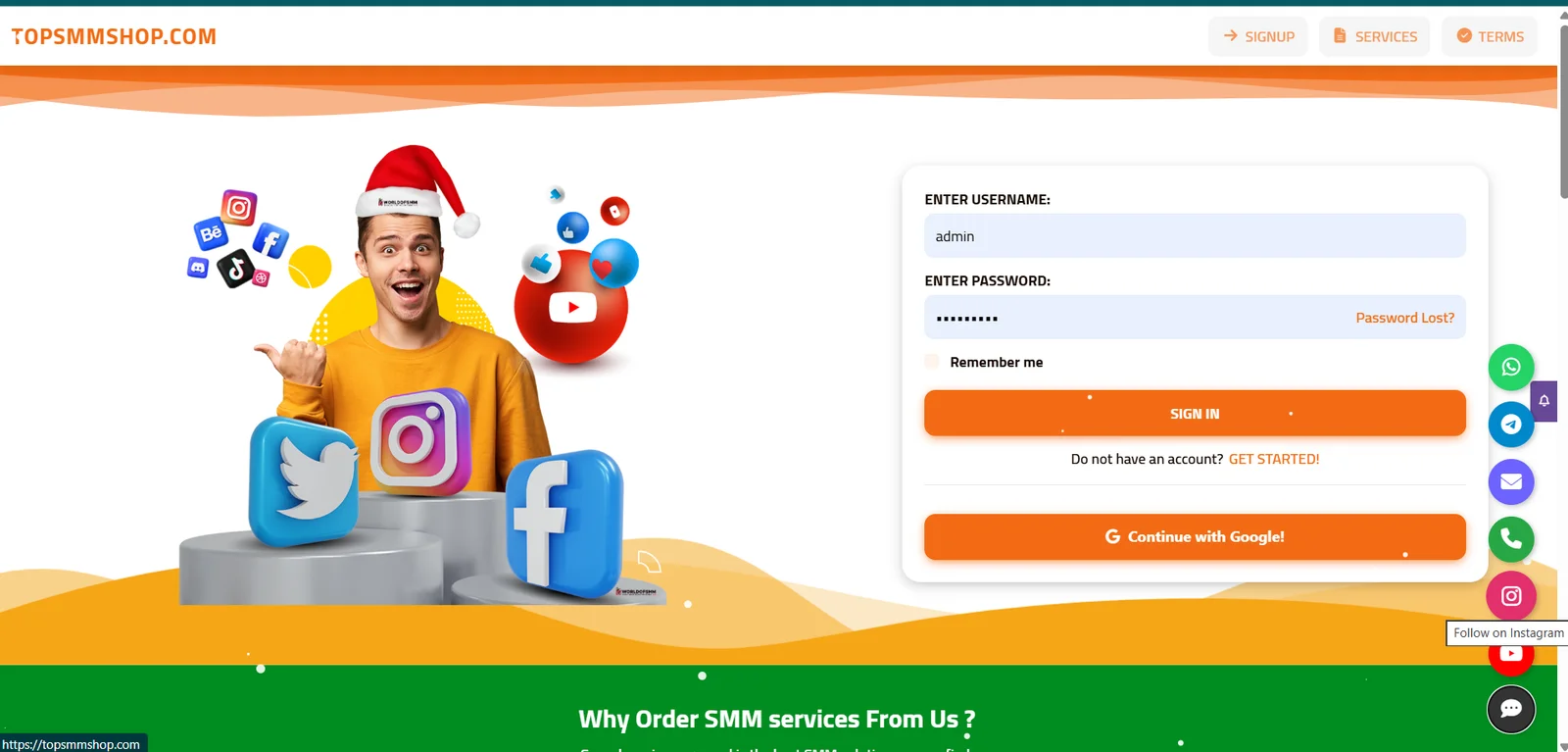


Official SMM Script 2026 – Empower Your SMM Business!
🔥 Key Features
⚙️ Automated order processing with multiple API providers
💳 Multiple payment gateways (PayPal, Stripe, UPI, Paytm, Razorpay, crypto)
📊 Real-time analytics dashboard
🛠️ Powerful admin panel for users, services, prices, and payments
🔒 2FA login, encryption, and fraud protection
🔄 Auto refill and order cancellation
🌍 Multi-language and multi-currency support
🎧 Support ticket system and 📧 email/SMS notifications
🎁 Referral and affiliate program
🎨 Customizable frontend and 🔍 SEO-friendly structure
👥 Perfect for: new SMM resellers, digital marketing agencies, existing panel owners, and freelancers. ✅
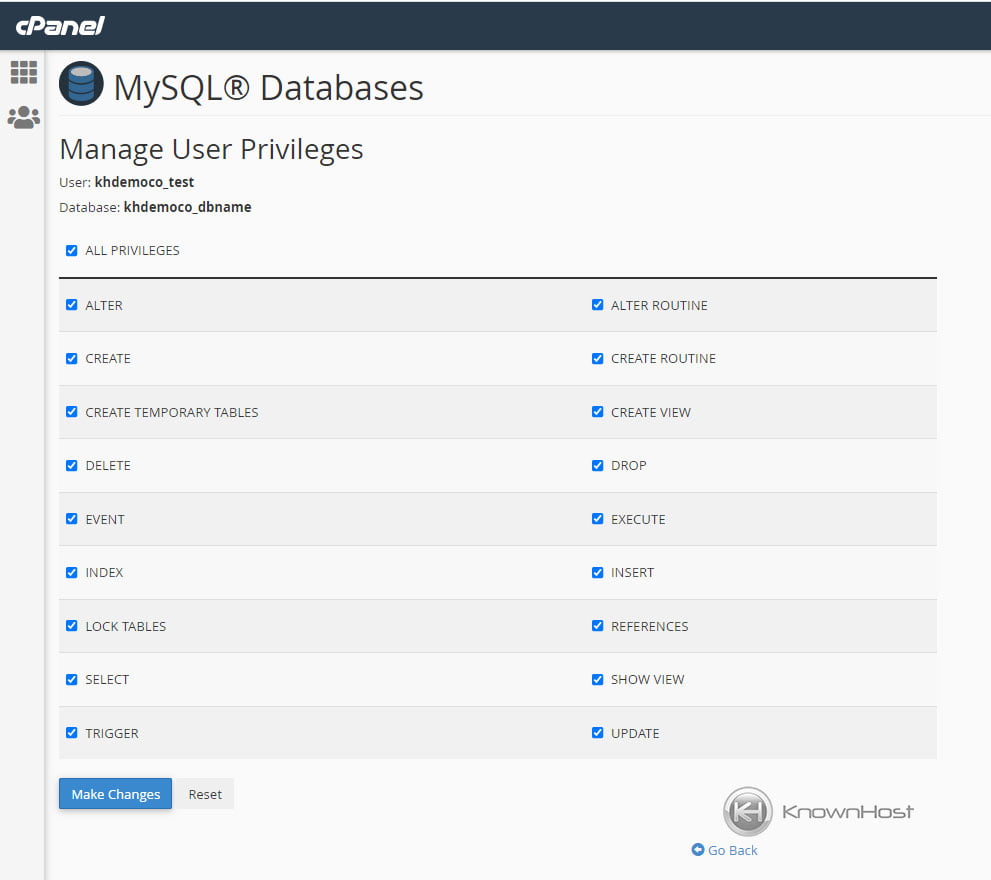
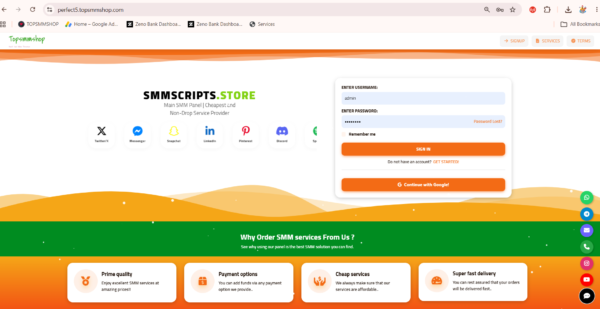
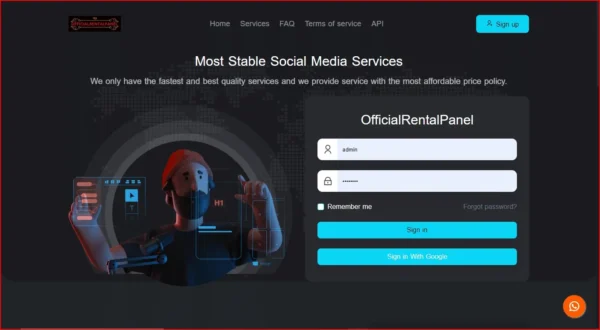
I can’t take screenshots of your script, so the pictures below are reference images from the web showing each step in cPanel and phpMyAdmin. For your own page, replace them with your own screenshots, since you shouldn’t reuse other sites’ images.
🧑💻 Installation Guide: Step by Step
📋 Before you start: a domain, PHP/MySQL hosting with cPanel, the Snfollows ZIP file, and an SSL certificate (free Let’s Encrypt works).
📤 Step 1: Upload the script
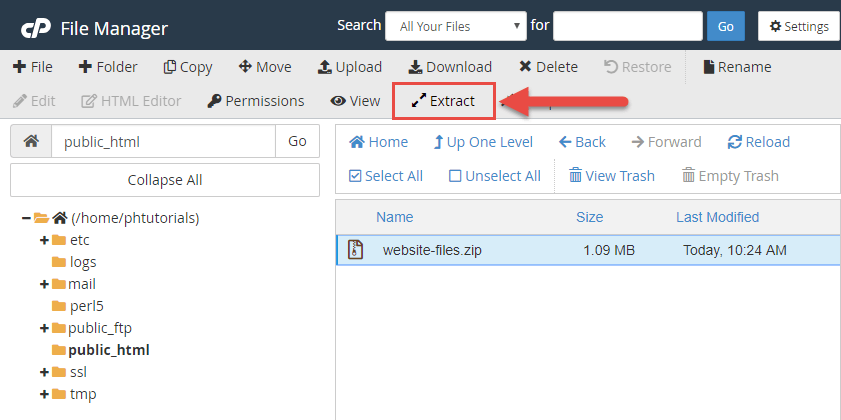
- Log in to cPanel and open File Manager.
- Go to
public_html, click Upload, and select the script ZIP. - Right-click the ZIP, choose Extract, and move the files directly into
public_html, not inside a sub-folder.
peopleshost

🧪 Step 10: Test everything
✅ Register a test user
✅ Add funds with a test payment
✅ Place a small test order and confirm it reaches your API provider
✅ Check the support ticket and email notifications
🔧 Common problems and fixes
❌ Database connection error → Recheck the database name, user, and password in config.php.
❌ Blank white page → Check that your PHP version matches the script’s requirements.
❌ 404 or broken links → Make sure .htaccess was uploaded and mod_rewrite is enabled.
❌ Orders not sending → Check your API URL and key, and your provider balance.
❌ Cron jobs not running → Add the cron commands from the script’s documentation in cPanel > Cron Jobs.
🎉 Your Snfollows SMM Panel is ready! 💬 Need help? Chat with us on WhatsApp or Telegram, and we’ll guide you.
freeparking.co
🔌 Step 7: Connect API providers and add services
- In the Admin Panel, open the API/Provider settings and add your provider’s API URL and key.
- Import services and set your profit margin (for example, +20%).
- Enable the services you want to sell.
💳 Step 8: Set up payment gateways
- Open the payment settings and choose a gateway (PayPal, Stripe, Razorpay, Paytm, CoinPayments, or manual).
- Enter your API keys and save.
- Make a small test deposit to confirm payments work.
🌐 Step 9: Point your domain and install SSL
- Point your domain’s nameservers (or A record) to your hosting server.
- In cPanel, open SSL/TLS Status and run AutoSSL, or install Let’s Encrypt.
- Check that your panel loads with
https://.
⏰ Step 10: Set up cron jobs
Add the cron commands from the script’s documentation in cPanel > Cron Jobs. This keeps order status updates and automation running. (Our free cron job setup is included with your purchase.)
🧪 Step 11: Test everything
✅ Register a test user
✅ Add funds with a test payment
✅ Place a small test order and confirm it reaches your API provider
✅ Check email notifications and the support system
🔧 Common problems and fixes
❌ Database connection error → Recheck the database name, user, and password in config.php.
❌ Blank white page → Check that your PHP version matches the script’s requirements.
❌ 404 or broken links → Make sure .htaccess was uploaded and mod_rewrite is enabled.
❌ Orders not sending → Check your API URL and key, and your provider balance.
❌ Cron jobs not running → Recheck the cron command and path in cPanel.
🎉 Your Perfect SMM Panel is ready! 💬 Need help? Chat with us on WhatsApp or Telegram for free installation support.
🛒 Buy Now | 👀 Live Demo | 🌐 SMMScripts.shop
🔑 SEO Keywords: perfect smm panel script 2026, perfect panel script, smm panel script, buy smm panel script, smm panel script free installation, how to install smm panel script, smm panel installation cpanel, smm reseller panel, white label smm panel
🔖 Hashtags: #PerfectPanel #PerfectSMMPanel #SMMPanel #SMMScript #SMMPanelScript #SMMPanelInstallation #BuySMMPanel #SMMReseller #WhiteLabelSMM #SMMPanelWithAPI #SMMScriptsShop


zimerov ertover –
Your place is valueble for me. Thanks!…