
 50% off ” No coupon Required ”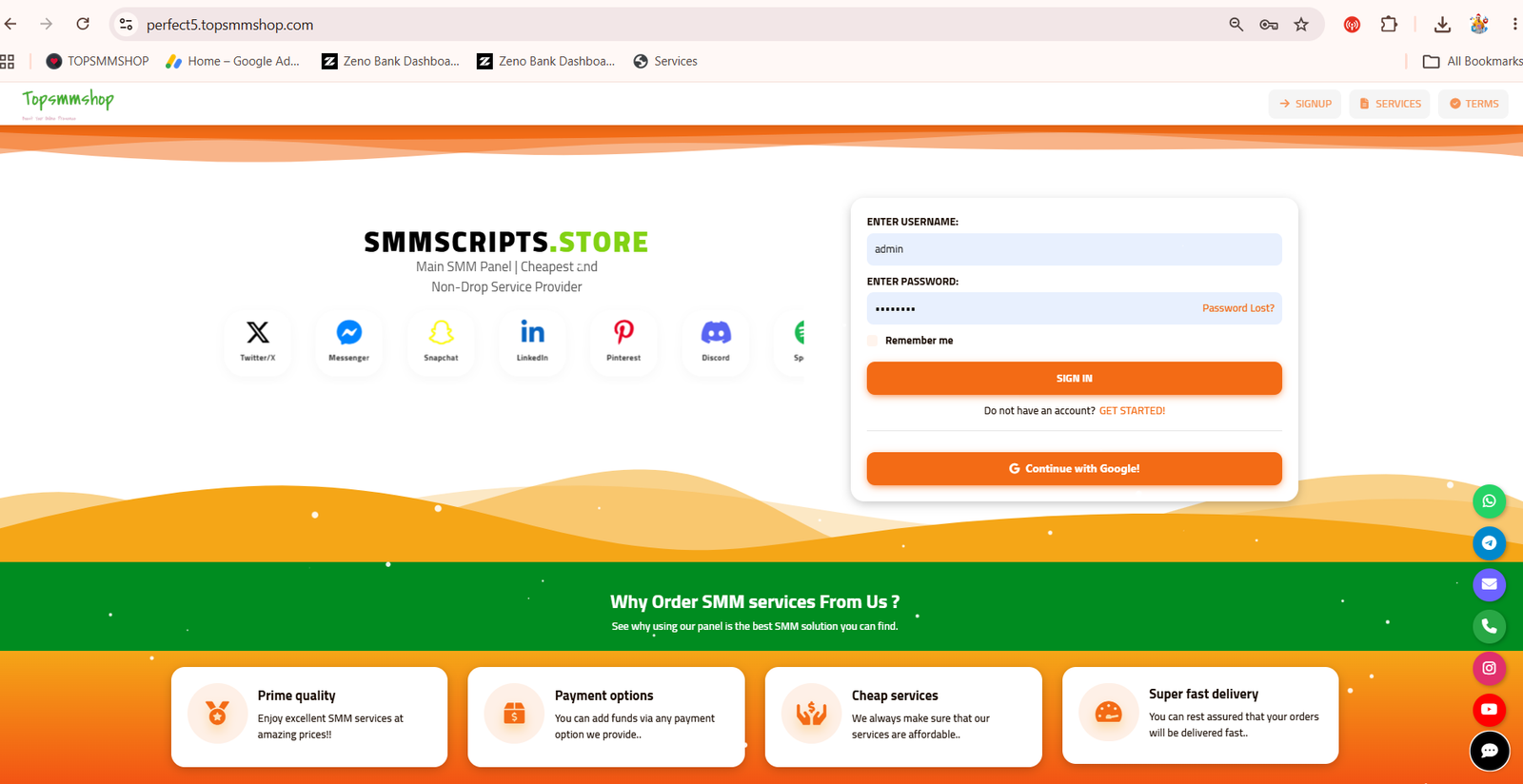
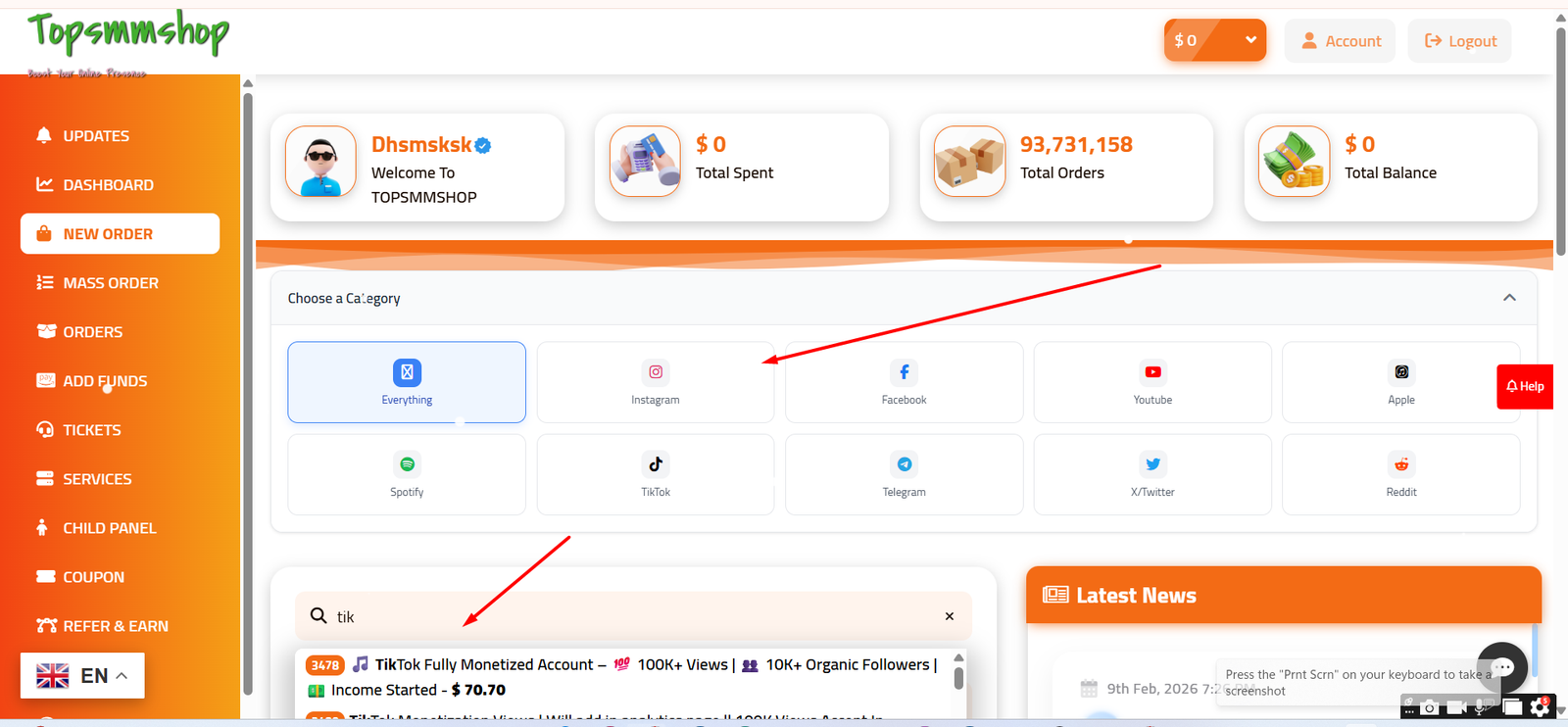
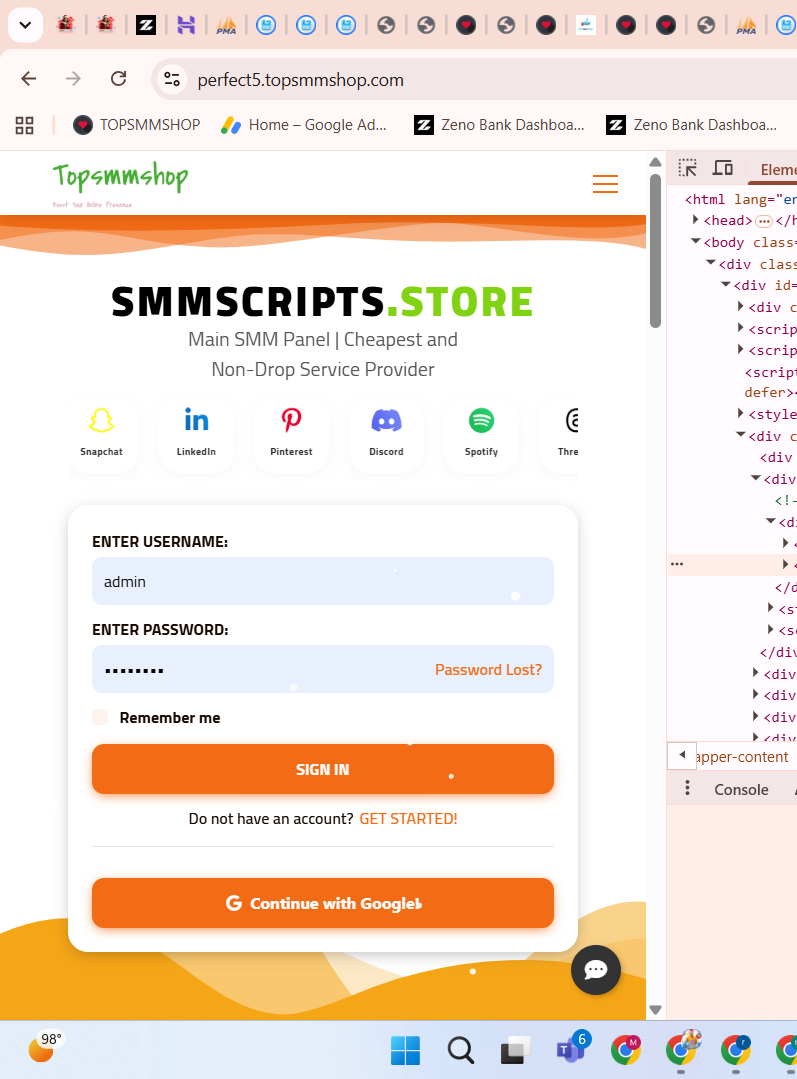
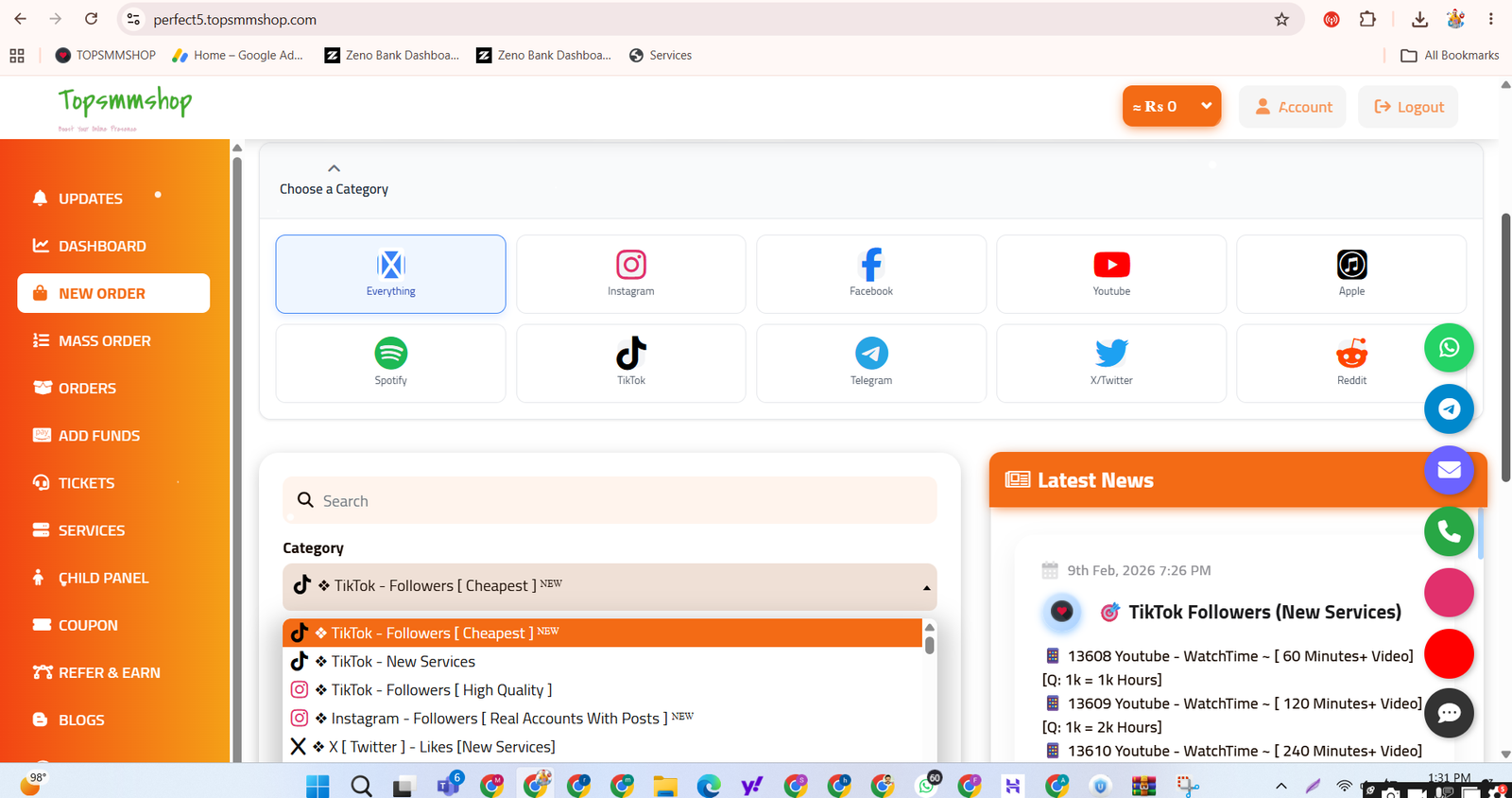
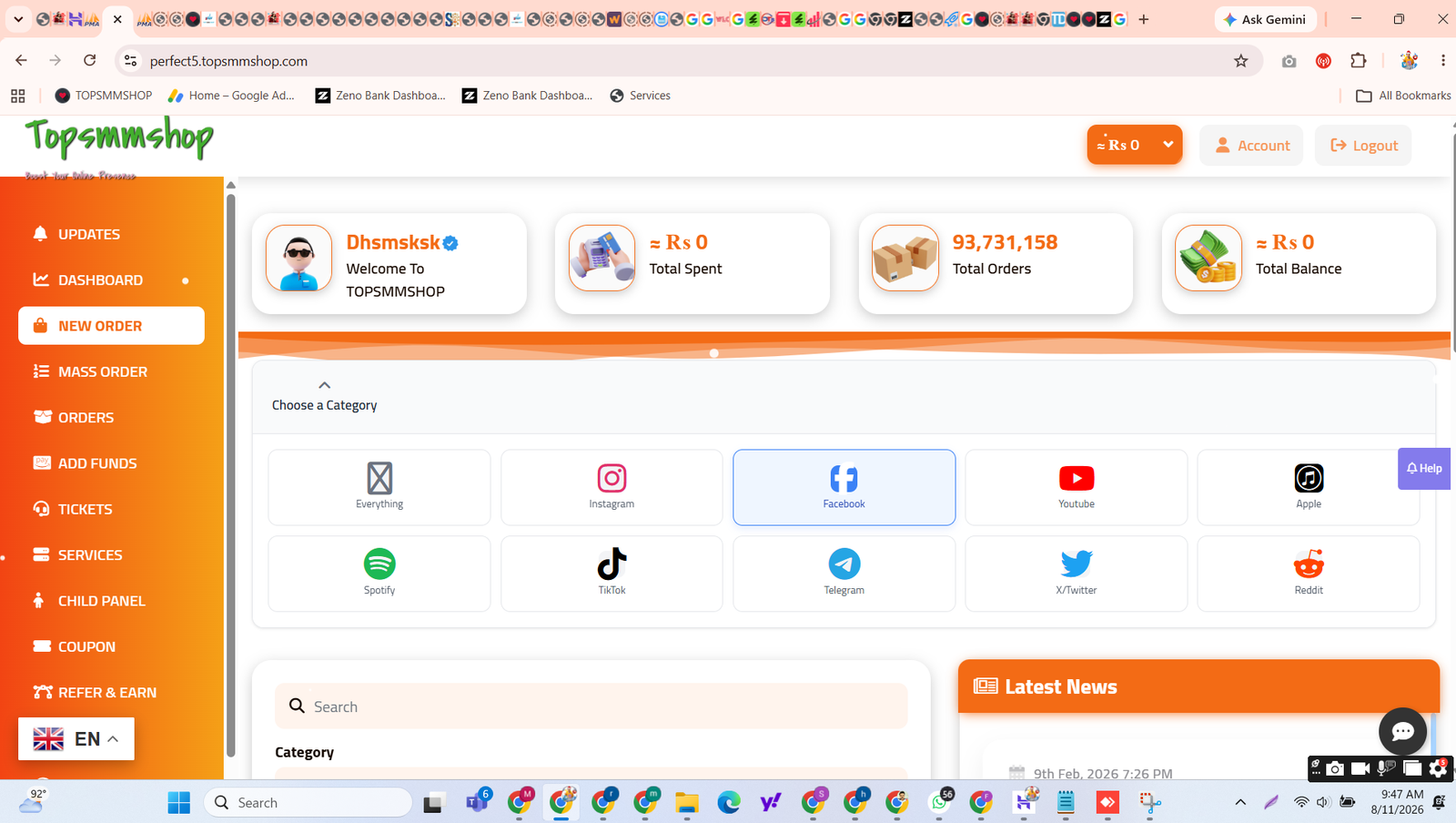

💎 The Perfect SMM Panel Script from SMMScripts.shop is a powerful solution for managing and automating social media marketing services. 📱 Create, manage, and sell SMM services with ease, whether you’re launching your first panel or scaling an established one. 📈 Updated for 2026, with free installation support to get you live fast. 🛠️
⭐ Why Choose Perfect SMM Panel Script?
Robust features, a user-friendly interface, and the scalability to serve a small client base or thousands of users worldwide. 🌍✅
👤 User Features
🖥️ Clean, simple dashboard
📦 Bulk order support
🔄 Subscriptions for recurring likes, views, and followers
💰 Secure fund management with multiple payment gateways
📍 Real-time order tracking
🛠️ Admin Features
🎛️ Full admin panel for users, services, and payments
⚙️ Service automation via multiple APIs
📊 Profit tracking and detailed reports
🔐 User access management and activity logs
📢 Announcements and broadcast notifications
📣 Marketing Features
🔍 Built-in SEO tools
🤝 Affiliate marketing system
🎨 Custom service icons
📧 Email campaigns
🔒 Advanced Functionalities
🛡️ Two-Factor Authentication (2FA)
🌐 Multi-language support
🚧 Maintenance mode
🤖 Google reCAPTCHA
📥 Service import via API with control over descriptions and pricing
💳 Payment Gateways
PayPal • Stripe • CoinPayments • 2Checkout • Payoneer • Mollie • Shopier • Paywant • PayTR • PayTM • Instamojo • Razorpay • Iyzico • PagSeguro • Authorize.net • PayUMoney • Ravepay • Cashmaal • Cardinity • MercadoPago • AnyPay.io • Manual methods 🏦
🎁 What You Get
🛠️ Free installation support
🎨 Easy customization
🎧 24/7 customer support
💬 Free bonus codes: WhatsApp button, cron jobs, Instagram, snowfall and lights, Telegram
I can’t take screenshots of your script, so the pictures below are reference images from the web showing each step in cPanel and phpMyAdmin. Use your own screenshots on your page.
🧑💻 Installation Guide: Step by Step
📋 Before you start: a domain, PHP/MySQL hosting with cPanel, the script ZIP file, and SSL.
📤 Step 1: Upload the script
- Log in to cPanel and open File Manager (or use FileZilla).
- Open
public_htmland click Upload. - Upload the ZIP, right-click it, choose Extract, and move the files directly into
public_html.
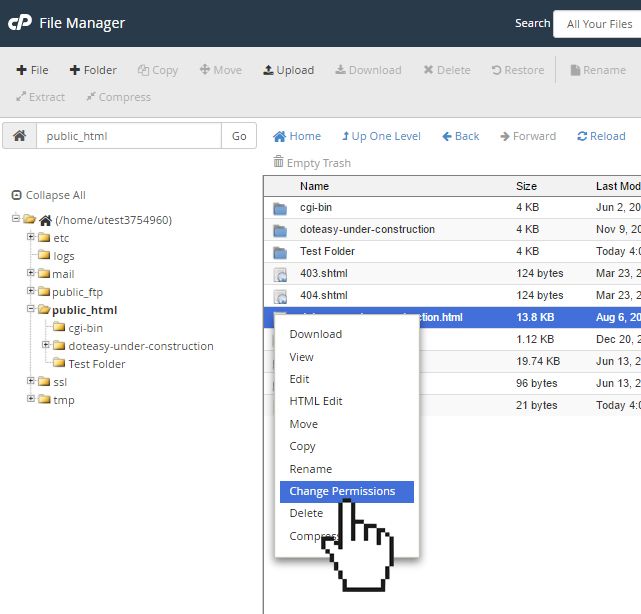
doteasy

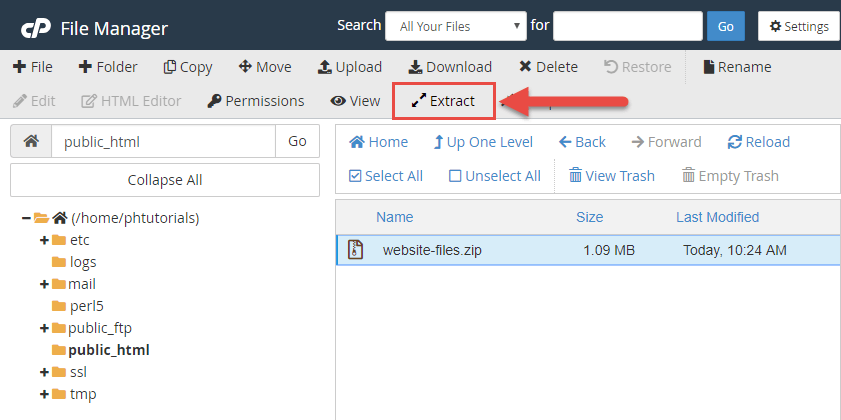
peopleshost
🔌 Step 7: Connect API providers and add services
- In the Admin Panel, open the API/Provider settings and add your provider’s API URL and key.
- Import services and set your profit margin (for example, +20%).
- Enable the services you want to sell.
💳 Step 8: Set up payment gateways
- Open the payment settings and choose a gateway (PayPal, Stripe, Razorpay, Paytm, CoinPayments, or manual).
- Enter your API keys and save.
- Make a small test deposit to confirm payments work.
🌐 Step 9: Point your domain and install SSL
- Point your domain’s nameservers (or A record) to your hosting server.
- In cPanel, open SSL/TLS Status and run AutoSSL, or install Let’s Encrypt.
- Check that your panel loads with
https://.
⏰ Step 10: Set up cron jobs
Add the cron commands from the script’s documentation in cPanel > Cron Jobs. This keeps order status updates and automation running. (Our free cron job setup is included with your purchase.)
🧪 Step 11: Test everything
✅ Register a test user
✅ Add funds with a test payment
✅ Place a small test order and confirm it reaches your API provider
✅ Check email notifications and the support system
🔧 Common problems and fixes
❌ Database connection error → Recheck the database name, user, and password in config.php.
❌ Blank white page → Check that your PHP version matches the script’s requirements.
❌ 404 or broken links → Make sure .htaccess was uploaded and mod_rewrite is enabled.
❌ Orders not sending → Check your API URL and key, and your provider balance.
❌ Cron jobs not running → Recheck the cron command and path in cPanel.
🎉 Your Perfect SMM Panel is ready! 💬 Need help? Chat with us on WhatsApp or Telegram for free installation support.
🌐 SMMScripts.shop
more consultaion :- whatsapp us




Reviews
There are no reviews yet.