
 50% off ” No coupon Required ”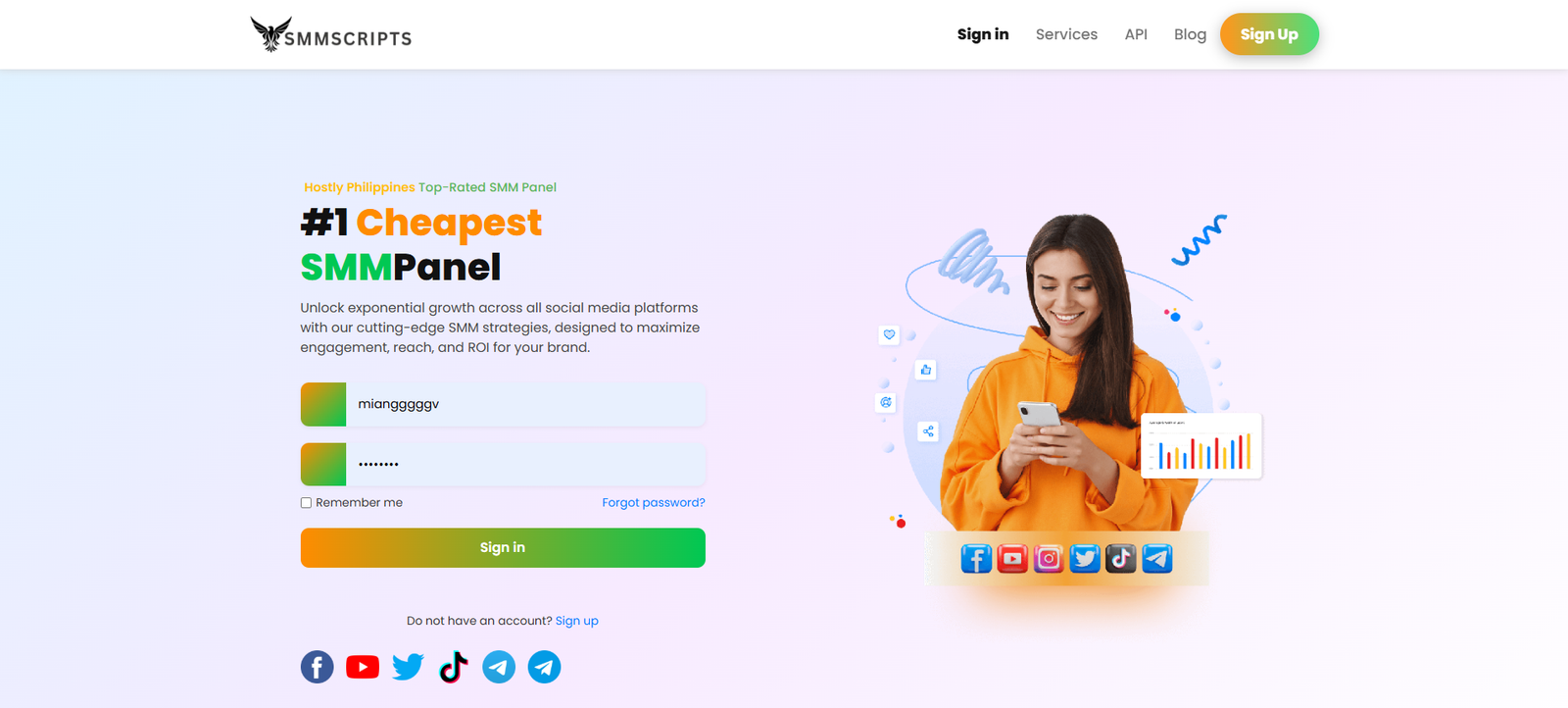
By Younas In SMM PANEL SCRIPTS
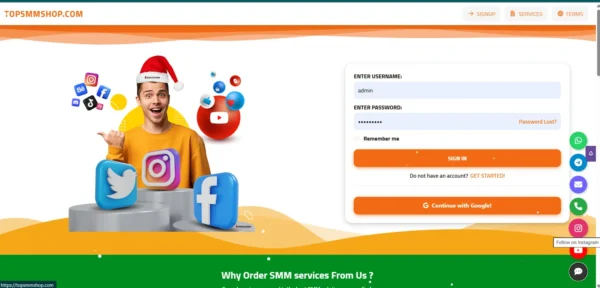
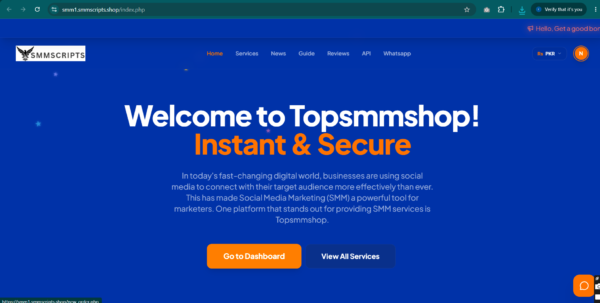
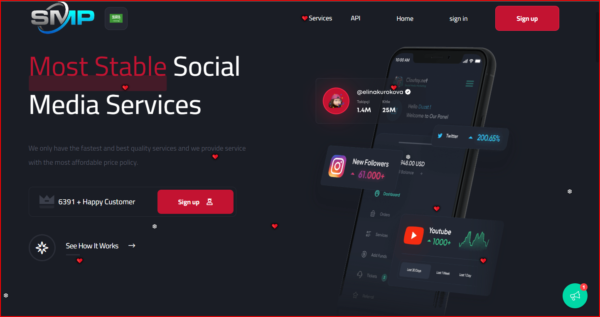
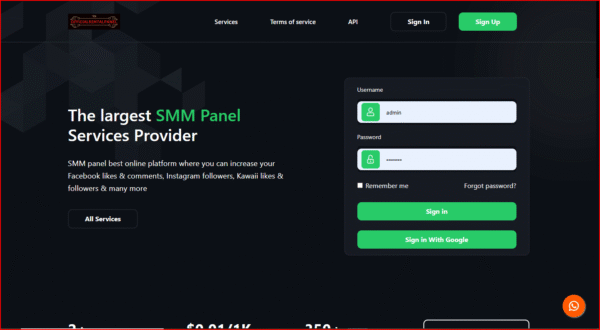
Winter SMM Panel Official Script
🚀 SMM Panel Script Features: Everything You Need to Start and Grow Your SMM Business 💎
Launch your own social media marketing panel with SMMScripts.shop. 📈 A complete SMM panel script automates orders, accepts payments, and gives you full control of your business, so you can resell Instagram, TikTok, YouTube, Facebook, and Telegram services under your own brand. ✅
🛒 Order and Service Management
⚙️ Automated Order Processing: orders go to your API providers automatically
🔌 Multiple API Providers: connect providers and import services with your own profit margin
📦 Bulk and Mass Orders: customers place many orders at once
📝 Drip-Feed Orders: deliver gradually for a natural look
🔁 Subscriptions and Auto Posts: recurring orders for regular customers
🔄 Auto Refill and Cancellation: failed and dropped orders are handled automatically
📋 Unlimited Services and Categories
💰 Payments and Earnings
💳 Multiple Payment Gateways: PayPal, Stripe, UPI, Paytm, Razorpay, crypto, and more
🏷️ Custom Pricing and Profit Control: set markups and per-user prices
🎁 Referral and Affiliate Program
🎟️ Coupons and Bonus Offers
👥 Reseller and Child Panel Support
📊 Dashboard and Control
📈 Real-Time Analytics Dashboard: earnings, orders, and user activity
🛠️ Powerful Admin Panel: manage users, services, payments, and settings in one place
📜 Order History and Tracking for customers
🔍 Smart Search and Filters
🔒 Security and Support
🛡️ 2FA, Encryption, and Fraud Protection
🎧 Support Ticket System
📧 Email and SMS Notifications
🔑 Customer API Access
🌍 Design and Growth
📱 Responsive Design for mobile, tablet, and desktop
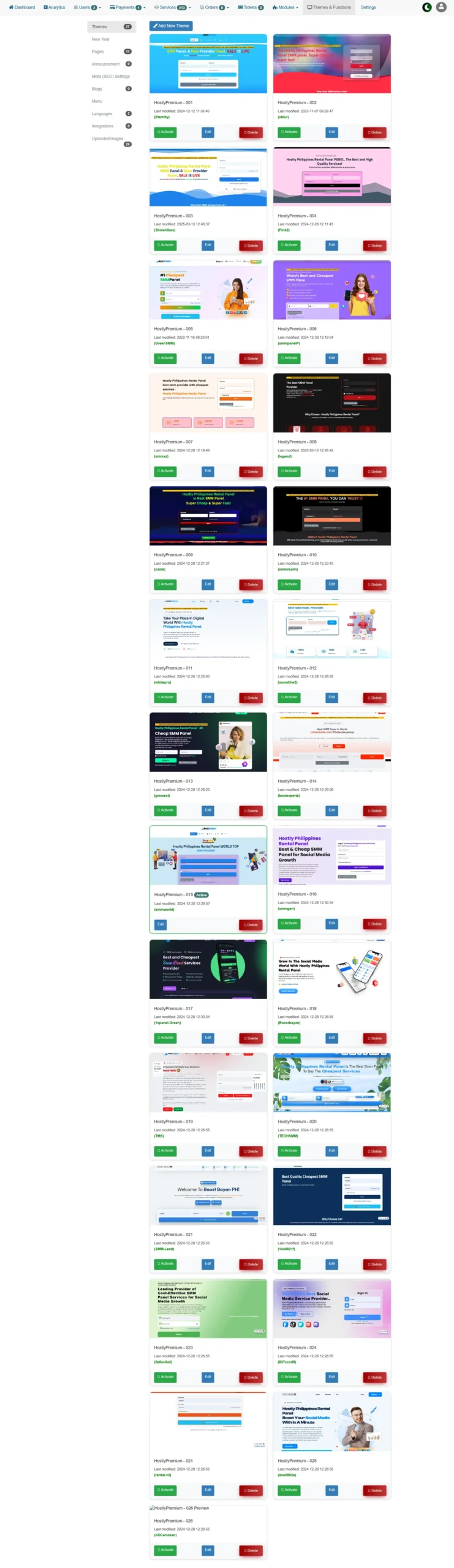
🎨 Customizable Frontend: logo, colors, homepage, and pages
🌐 Multi-Language and RTL Support
💱 Multi-Currency Support
🌙 Light and Dark Mode
📈 SEO-Friendly Structure
🧑💻 Installation Guide with Pictures
📋 Before you start: a domain, PHP/MySQL hosting with cPanel, the script ZIP file, and SSL.
📤 Step 1: Upload the script
Open cPanel > File Manager > public_html, upload the ZIP, and click Extract. Move the files directly into public_html.


testingdocs

⏰ Step 10: Set up cron jobs
In cPanel > Cron Jobs, add the commands from your script’s documentation so order status updates and automation keep running.
🧪 Step 11: Test everything
✅ Register a test user
✅ Add funds with a test payment
✅ Place a small test order and confirm it reaches your API provider
✅ Check email notifications and the support ticket system
🔧 Common problems and fixes
❌ Database connection error: recheck the database name, user, and password in config.php
❌ Blank white page: check that your PHP version matches the script’s requirements
❌ 404 or broken links: make sure .htaccess was uploaded and mod_rewrite is enabled
❌ Orders not sending: check your API URL and key, and your provider balance
❌ Server errors (5xx): raise the PHP memory limit, or move to a stronger VPS
🎉 Your SMM panel is ready! 💬 Need help? Chat with us on WhatsApp
| 🌐 SMMScripts.shop



Reviews
There are no reviews yet.